What is Service Cockpit?
Service Cockpit puts essential tools, information and support for your Konica Minolta production print system in one place. Operators get quick access to machine status, troubleshooting, documentation, applications and live support, helping them solve issues faster and keep production running smoothly.
Key Benefits: Work smarter. Resolve faster. Print without disruption.

Everything in one place
Access manuals, videos, machine data, applications, and service tools from a single interface.

Faster problem resolution
Fix common issues instantly with step-by-step guidance. No need to wait for a technician.

Reduced downtime
Keep your machines running with real-time visibility and immediate support when needed.

Empowered operators
Enable your team to solve problems independently and build confidence on the job.

Remote expert support
Connect with Konica Minolta engineers via live video for fast, accurate troubleshooting.
Easier training & onboarding
Help new employees get up to speed quickly with visual guides and tutorials.
Small issues can have a big impact on production
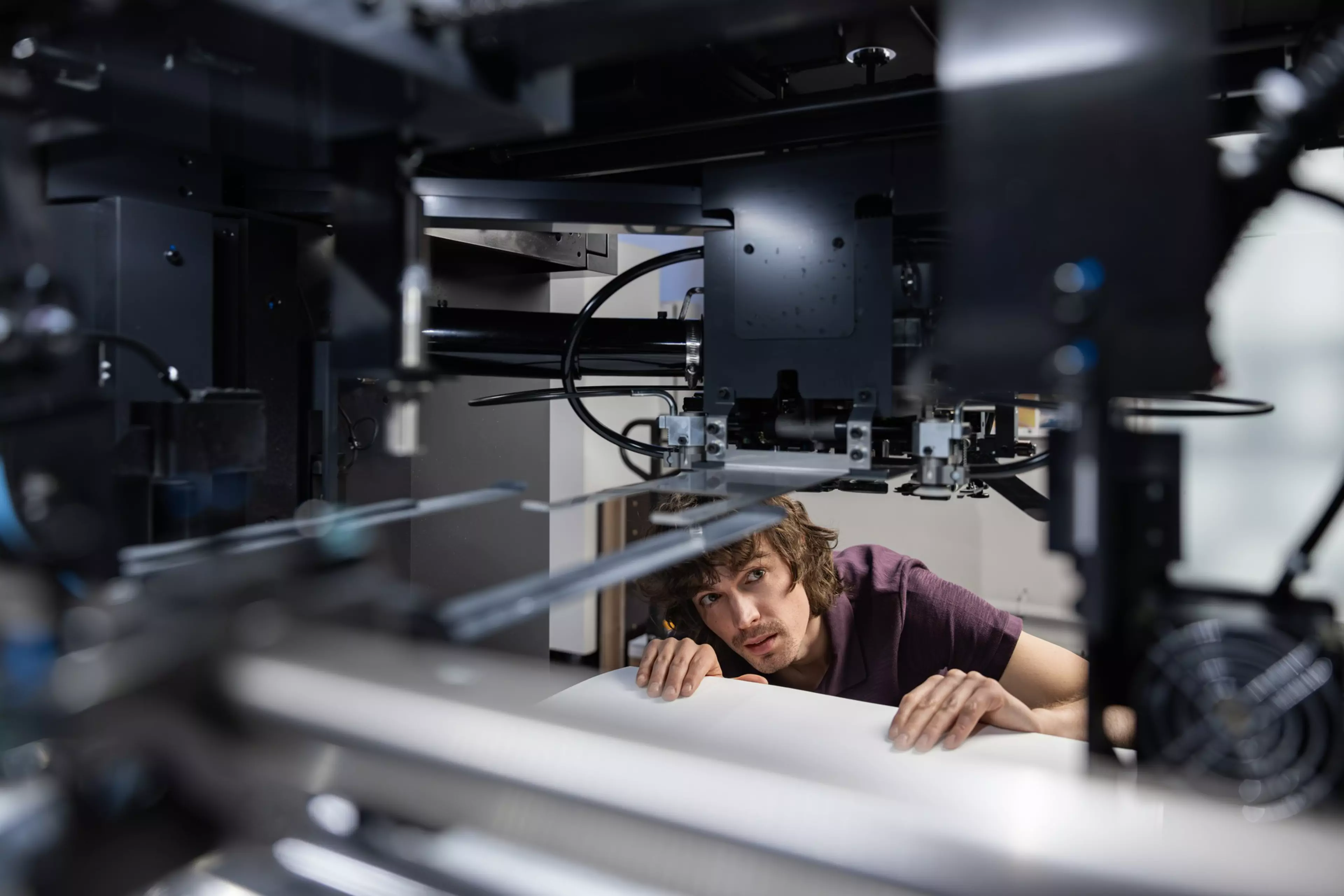
Operators lose time searching for manuals or answers
Operators lose time searching for manuals or answers. Find documentation, settings and guidance quickly, all organised and accessible in one place.
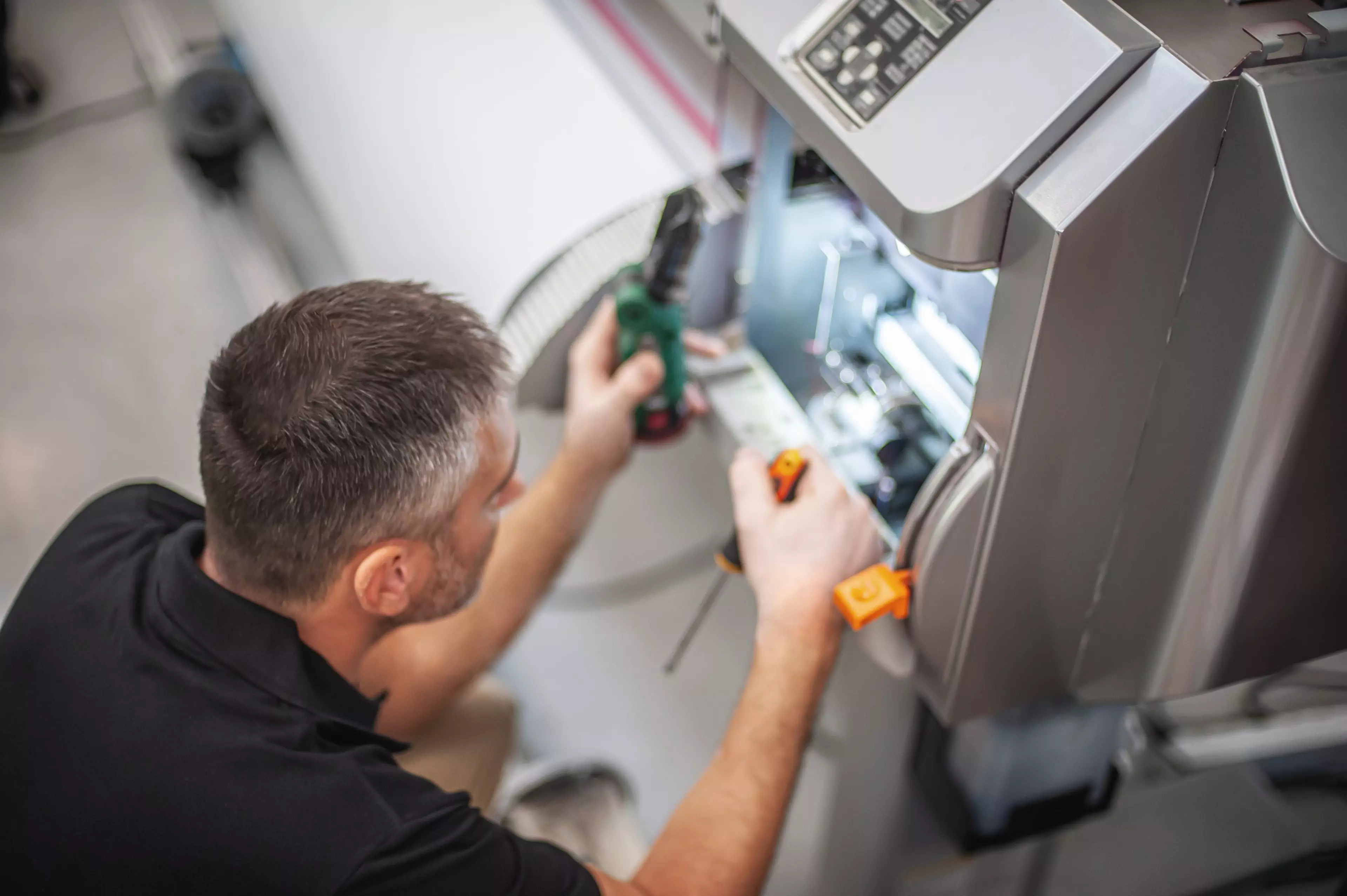
Problems require waiting for technicians
Get guided troubleshooting instantly or access reliable support tools when you need them.

Training new staff slows down experienced teams
Step-by-step instructions help new operators learn and solve common issues independently.

Lack of visibility makes it harder to plan and optimise workflows
Get quick access to machine status and essential information to keep production on track.
Why Service Cockpit makes a difference?
Service Cockpit removes these bottlenecks by giving your team instant access to the right information and support - exactly when they need it.
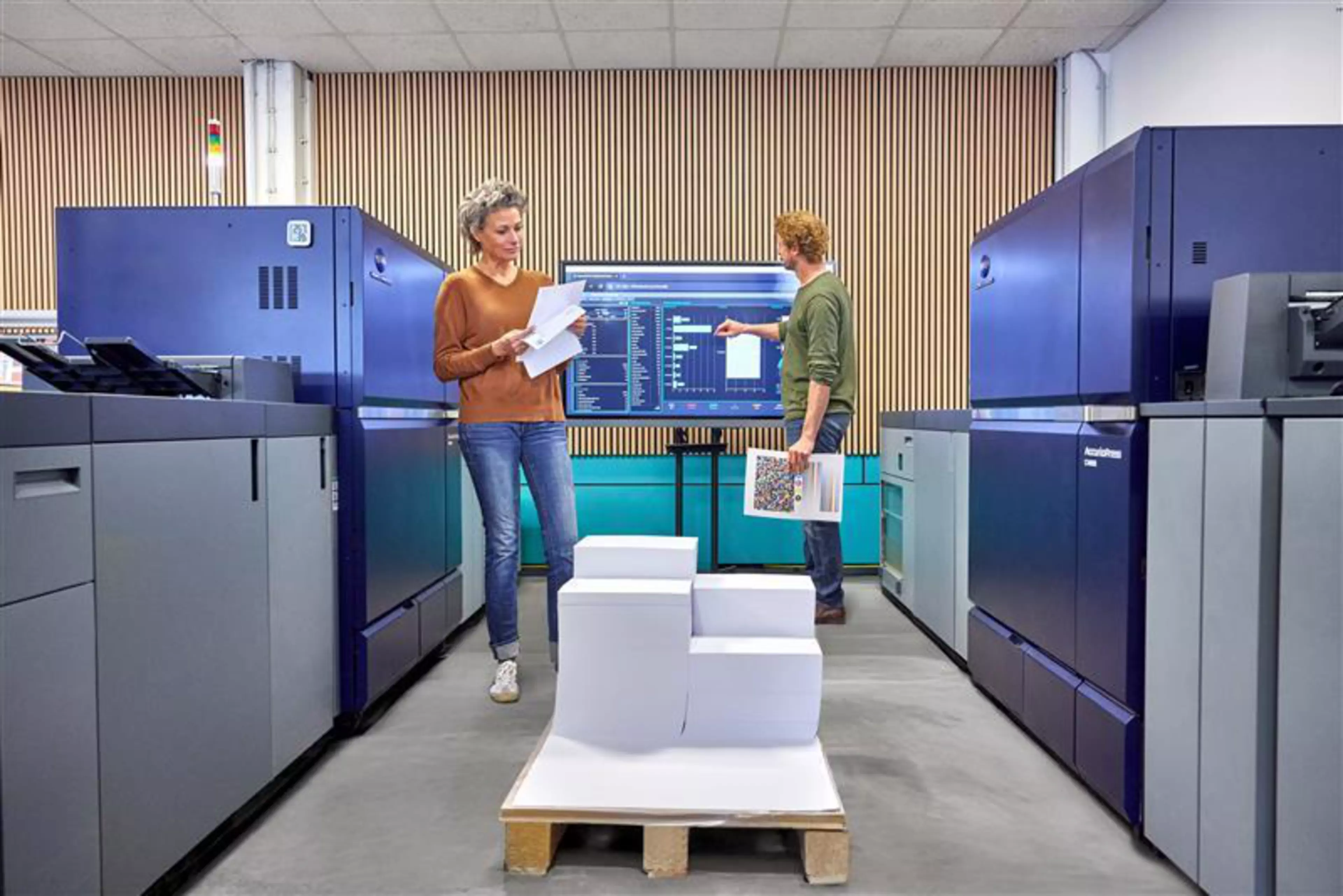
Simple to use. Powerful in impact.
Using a tablet in your print room, operators access the app - an intuitive dashboard tailored to your production system.
From there, with a few taps, they can:
- Monitor live machine status and print jobs.
- Access operator manuals and video tutorials.
- Use remote panels to control devices.
- Connect with support via video.
- Manage print workflows and applications.
- Order consumables or request service.
Explore Service Cockpit features
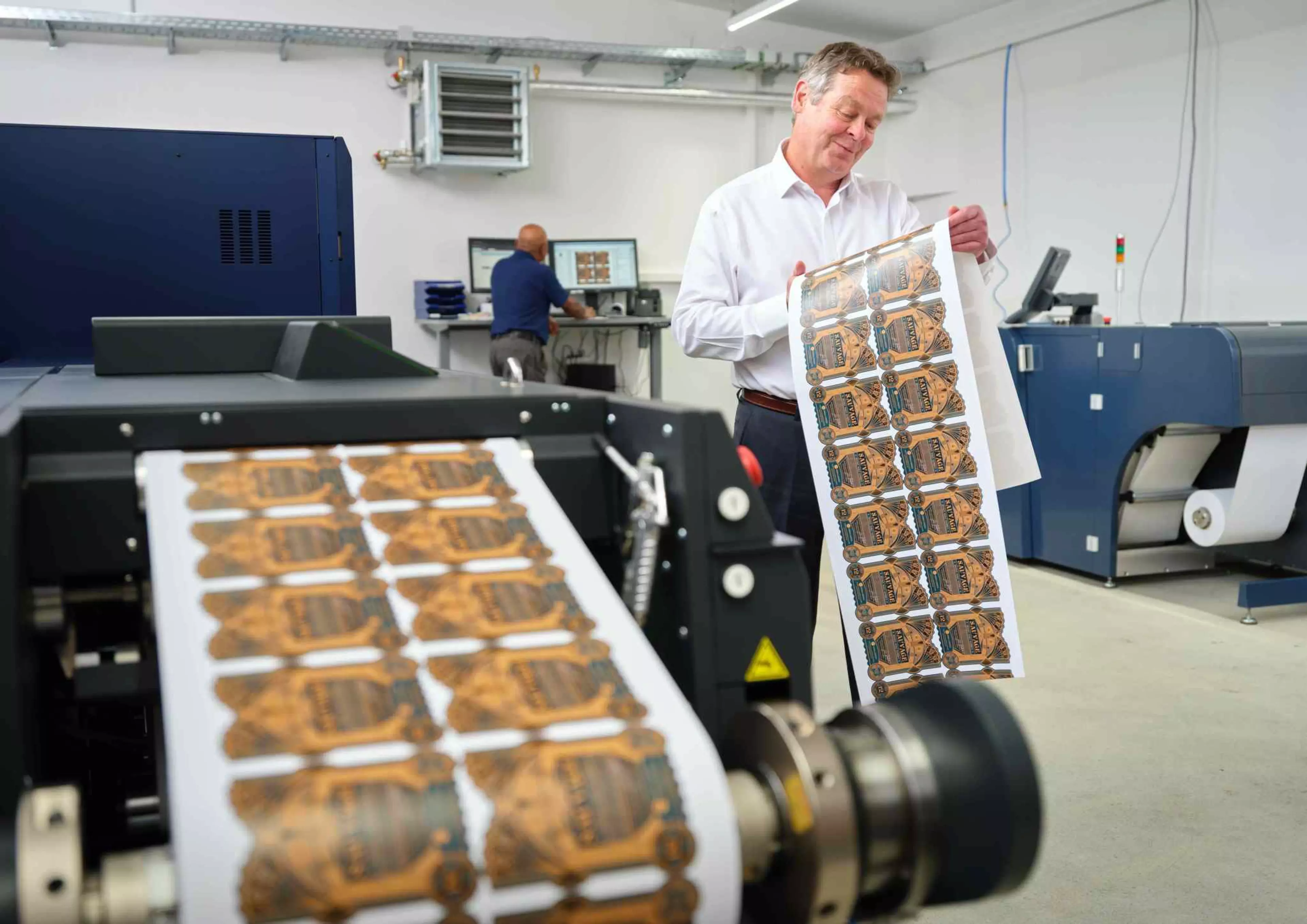
Master your production: streamlined control for busy print environments
Designed specifically for busy print environments, Service Cockpit places everything operators need directly at their fingertips, removing complexity and downtime from the shop floor.
Clear, instantly accessible information delivered through a clean, operator‑friendly interface - no searching, no guesswork.
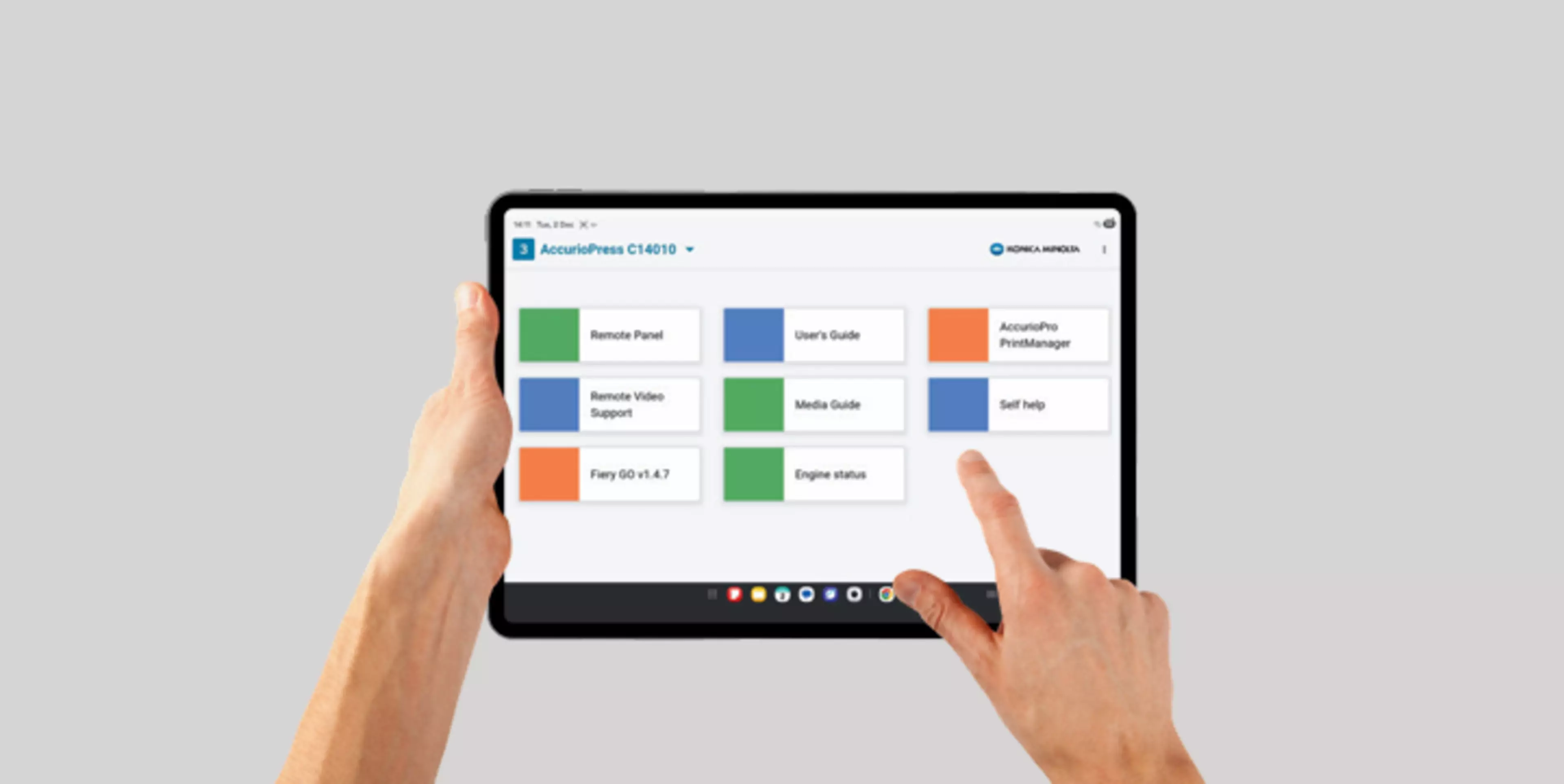
Seamless setup and configuration with provided tablet
Service Cockpit runs on an Android tablet connected to the customer's WiFi network that we will provide as part of the contract.
Installation and configuration are included in our service, so you can get started quickly with minimal effort.

Smooth workflow integration, easy navigation and extensive support
Fast, intuitive navigation that fits seamlessly into daily workflows.
Reliable service support that keeps production moving: access instructional videos, talk to trained technicians over video call, and order materials quickly.
Discover Service Cockpit
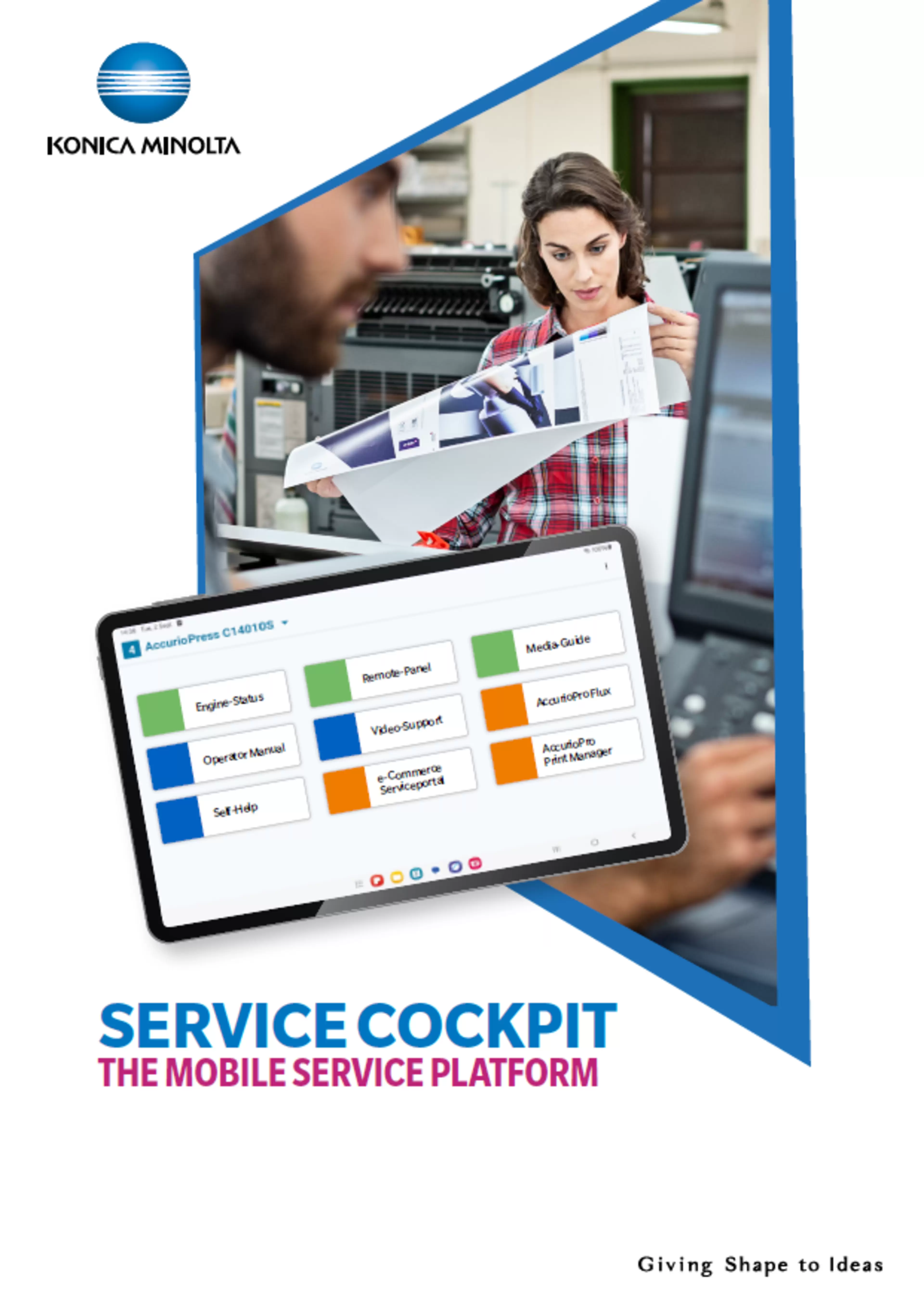
Service Cockpit Brochure
The Mobile Service Platform
At Konica Minolta, we are constantly striving to provide you with the best possible experience when using our products. This applies to the intuitive operation of our printing systems and software applications, as well as to documentations and the contact with our service organisation.
Our Service Cockpit - Your reliable partner for a relaxed production routine!