• Career
  • Contact us
  • Support & Downloads
Home
/
Digital workplace
/
Printing devices discontinued
/
bizhub C258

Business Areas

Digital WorkplaceProfessional PrintingHealthcareTextile Printing Services

Corporate Information

CareerAbout usNewsWhistleblower HotlineSustainabilityWhere to buy

Global Information

Corporate InformationCompany OverviewBusiness UnitsSustainabilityInvestor RelationsTechnology

Konica Minolta Business Solutions Europe GmbH

Terms of Use|

Privacy Policy|

Imprint|

©2026 Konica Minolta Business Solutions Europe GmbH

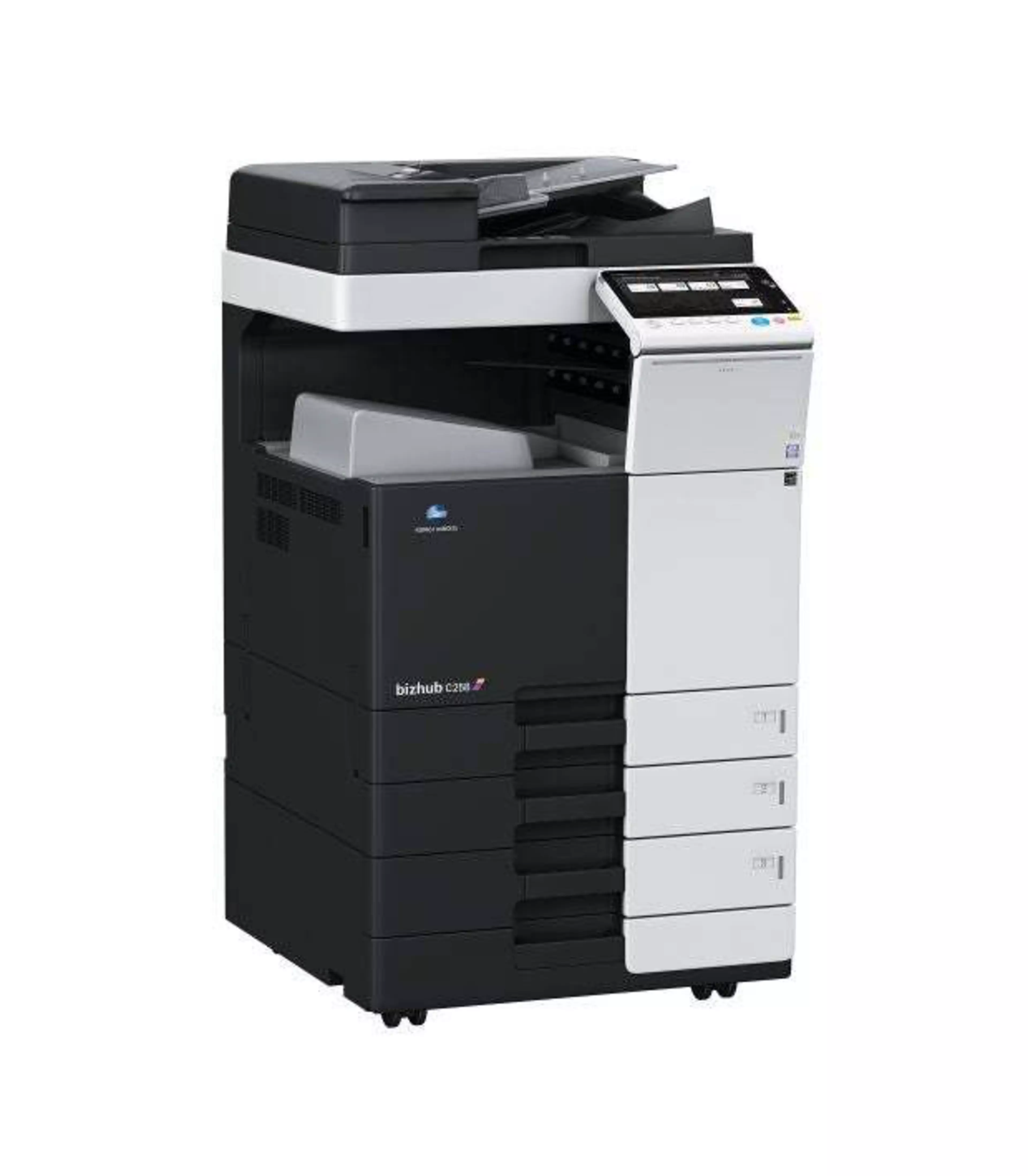
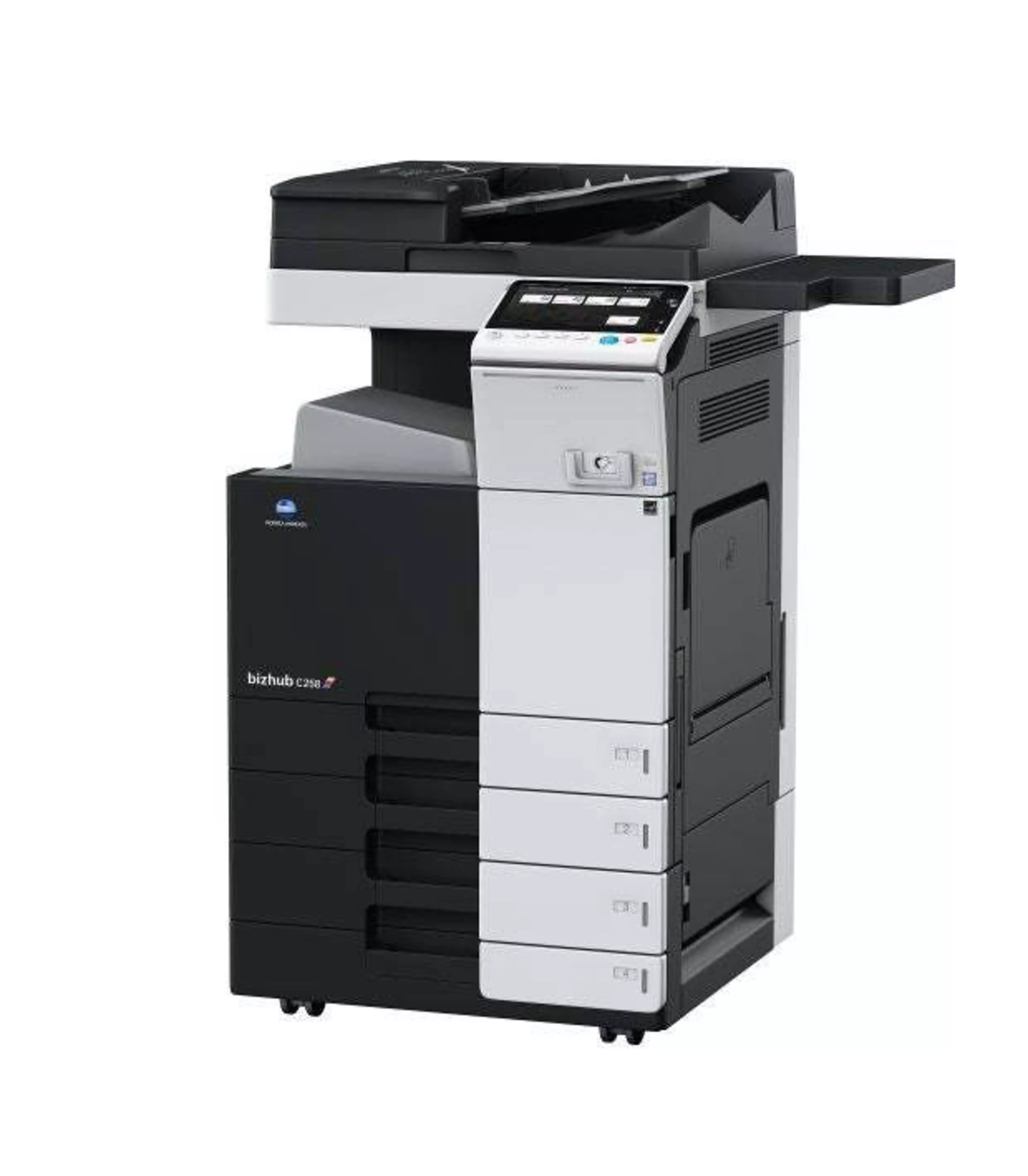
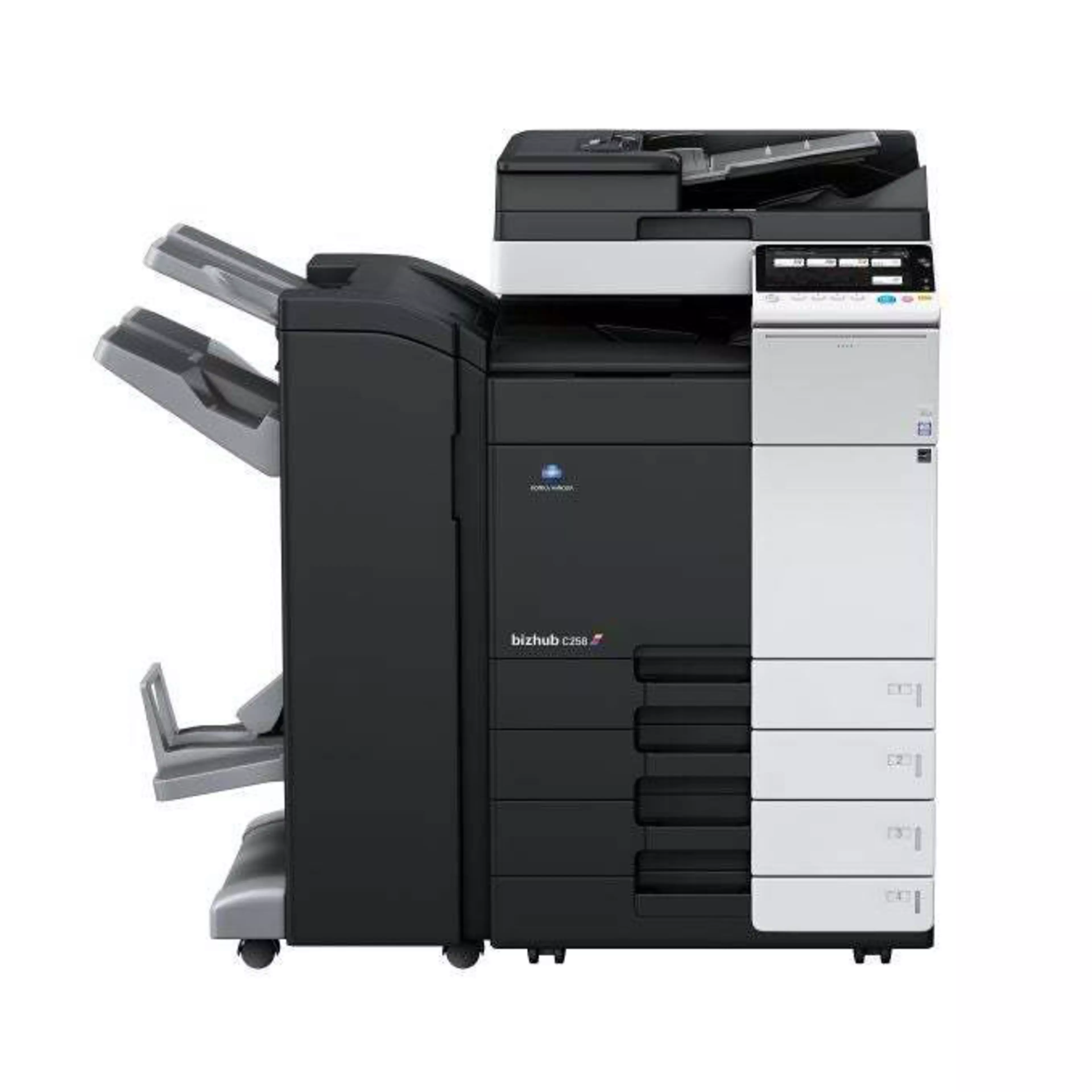
Konica Minolta bizhub c258 office printer

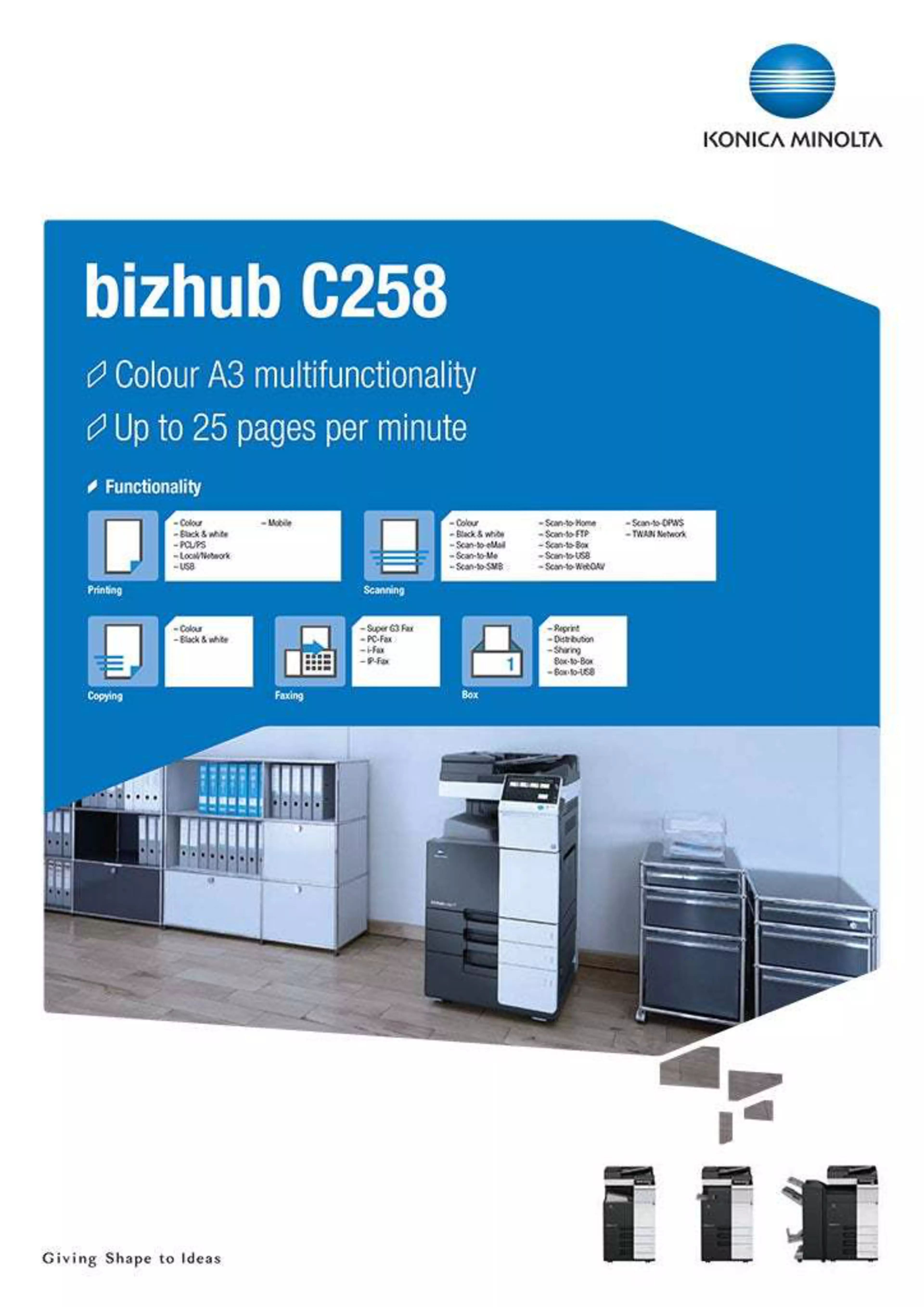
bizhub C258

  • 25/25 ppm in colour and black & white
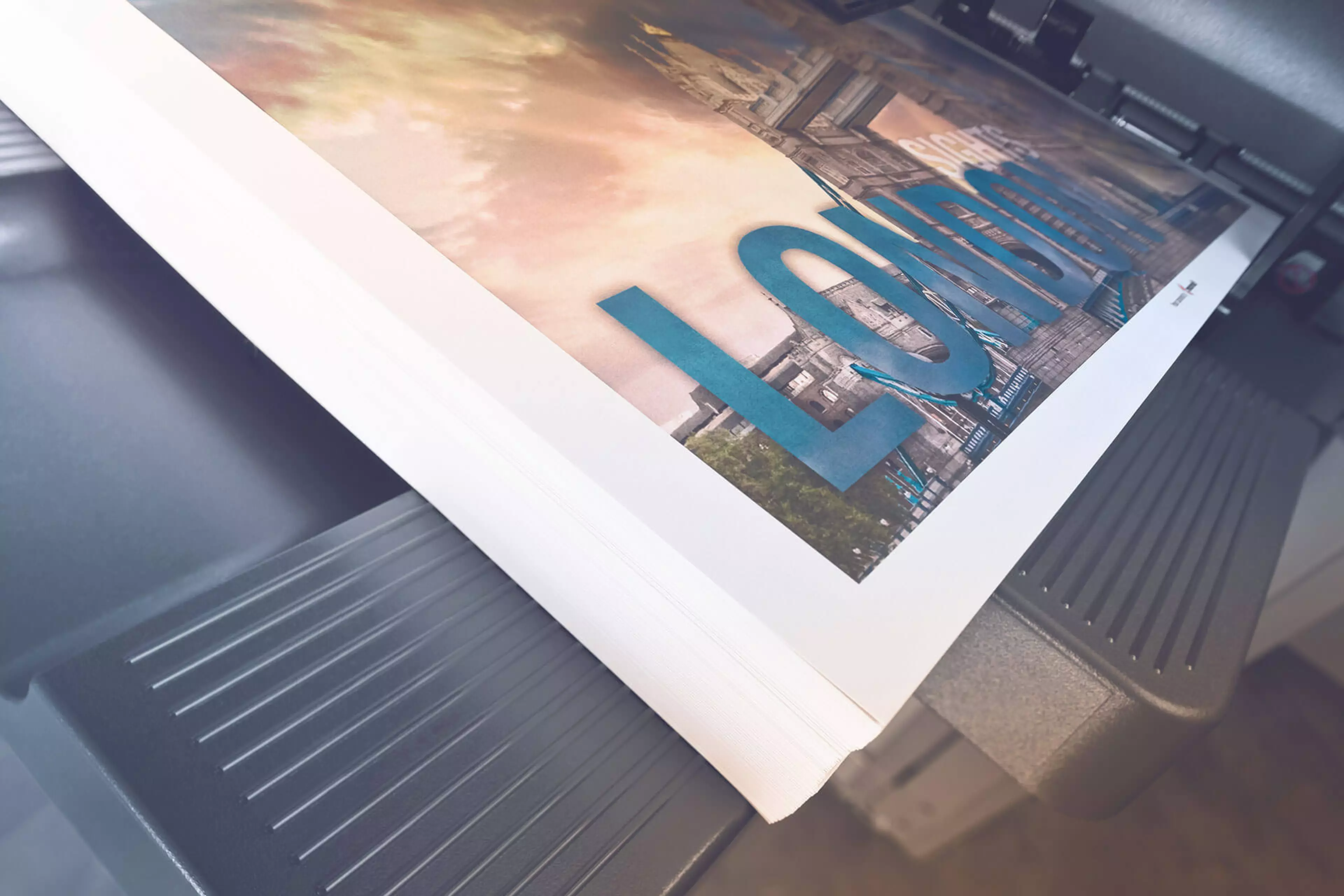
  • Paper formats: A6-SRA3, custom formats and banner format up to 1.2 metres length
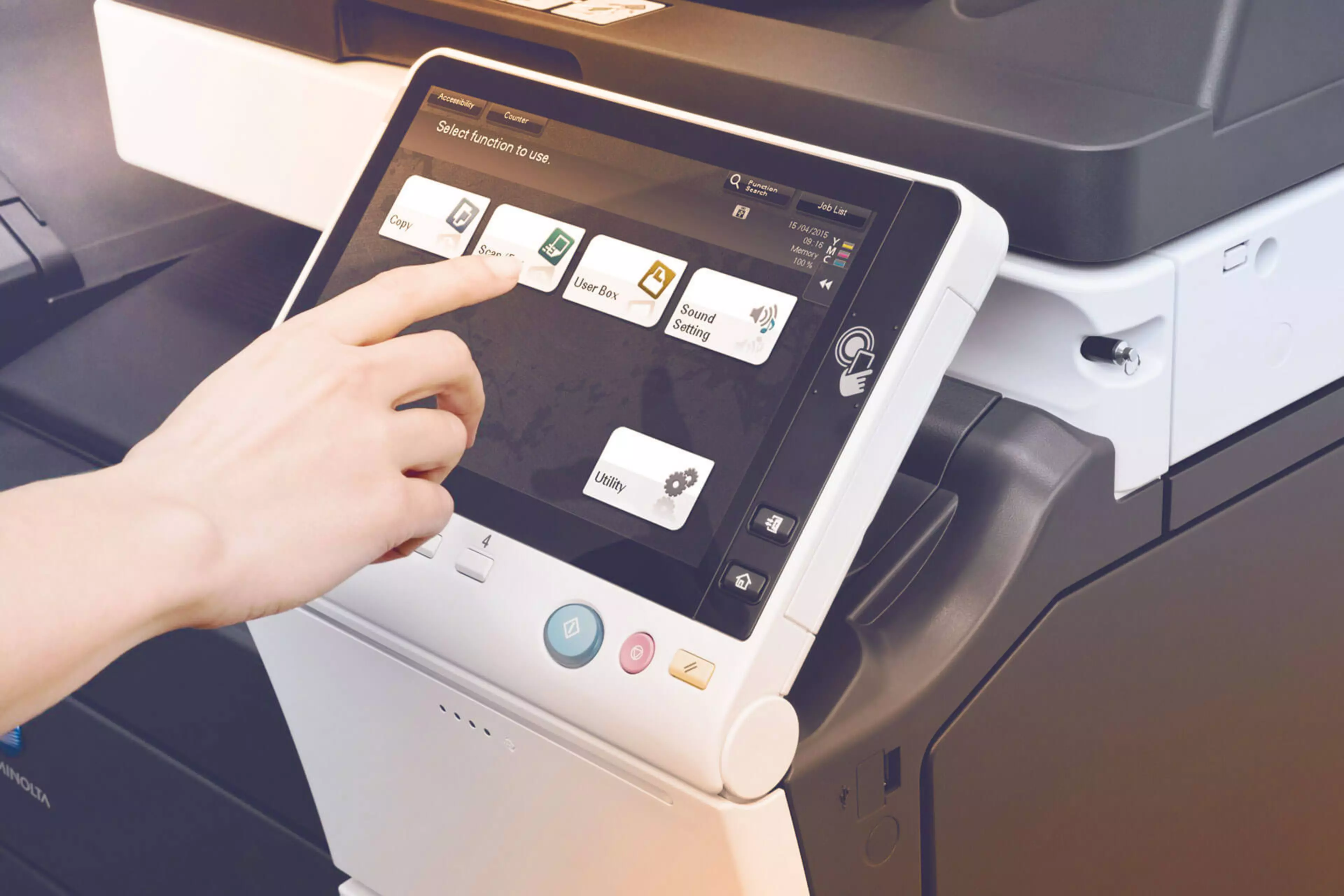
  • 9-inch colour touch panel with multi-touch support and dedicated mobile touch area for more convenience and flexibility in today's working style
  • Reduced environmental impact thanks to state-of-the-art technology ensuring competitively low energy consumption – which saves both energy and money
  • Highest data security thanks to various security functionalities to reduce the risk of data loss and keep confidential data safe
Get in Touch
Share:

Jump to:

  • Solutions
  • Functionalities
  • Services
  • Features
  • Specifications & Downloads

Solutions

Printer Device Security

Printer Device Security

Multi-location printing

Multi-location printing

Secure Printing

Secure Printing

User and Cost Management

User and Cost Management

Functionalities

Banner printing

Print of 1.2 m long banners

Carbon Copy print

Single page printing from multiple trays

Direct print

Driverless printing of PDF, XPS, DOCX, XLSX, PPTX, JPEG, TIFF, PS and PCL

Emperon™ print controller

Konica Minolta's high-performance controller with support of PostScript3, PCL6, PCL 5e/c and XPS

Mobile Printing

Possibility to directly print documents from a mobile device

Blank page removal

Automatic deletion of blank pages e.g. when copying mixed simplex and duplex documents

Custom function bar

Up to 2 x 7 copy functions can be freely selected for the main copy screen

High-performance document feeder

Fast scanning of originals with duplex document feeder

Job preview

Illustrates selected copy functions on screen

Mixed original scanning

Automatic scanning of originals with different formats

Address book

MFP and network based address books can be used and searched

Scan annotation

Stamping of e.g. date/time, filing number or custom text on scans for archiving purposes

Scan preview

Provides a real-time preview of scanned originals for checking before sending

Scan programs

Pre-setting of original, scan file and destination for regular scan jobs

Scan-to-Me/Home

Direct scan to own email address (Me) or SMB folder (Home) based on Active Directory information

Auto deletion

Automatic deletion of files stored in a user box after a predefined period

Box function

Storing of print, copy, scan and fax jobs for recall to send and print - for frequently printed documents like brochures, forms, pricelists etc.

Online access

User box file access via web browser or box operator utility

Personal, Group and Public

User access definition for different boxes

Sharing

Copying of documents from user box to user box

Convenient fax distribution

Fax destinations can be preconfigured in an addressbook

Fax forwarding

Forwarding of incoming fax documents by email or to SMB folder instead of printing

IP-Fax

Sending of fax messages via network between Konica Minolta MFPs; supports colour as well as black & white

PC-Fax

Direct fax transmission from the PC

Shared address book

The MFP-internal address book can be shared with the PC fax client

Conforms to international environmental standards

Like Energy Star or Blue Angel Mark

Dynamic eco timer

Automatic analysis of working hours and adjustment of sleep mode timing

ECO meter

Counter for ECO related items e.g. power consumption

ECO print

Touch screen panel does not light up for printing out of sleep mode

ECO scan

Scanning of documents without warm-up of the print engine

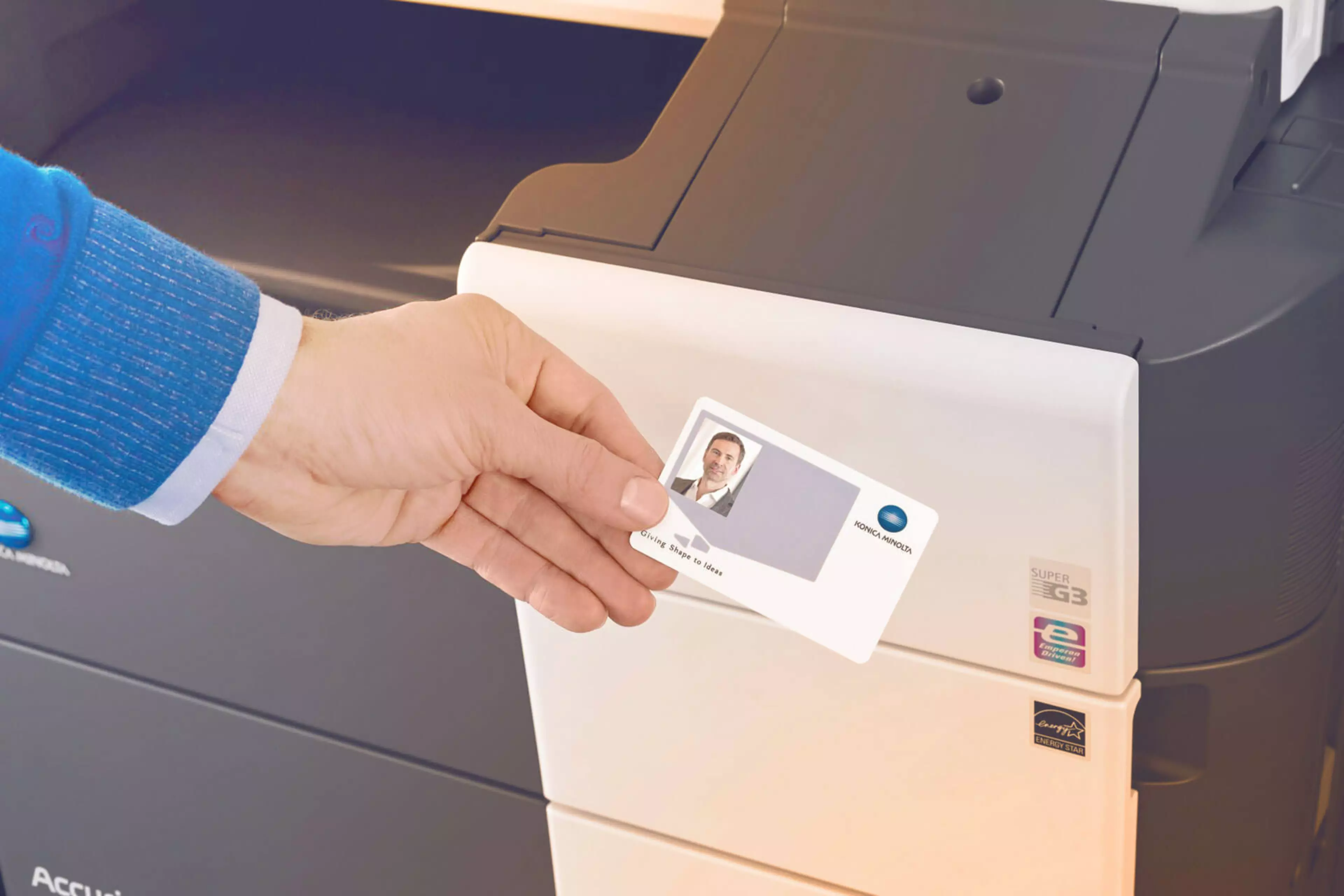
Authentication

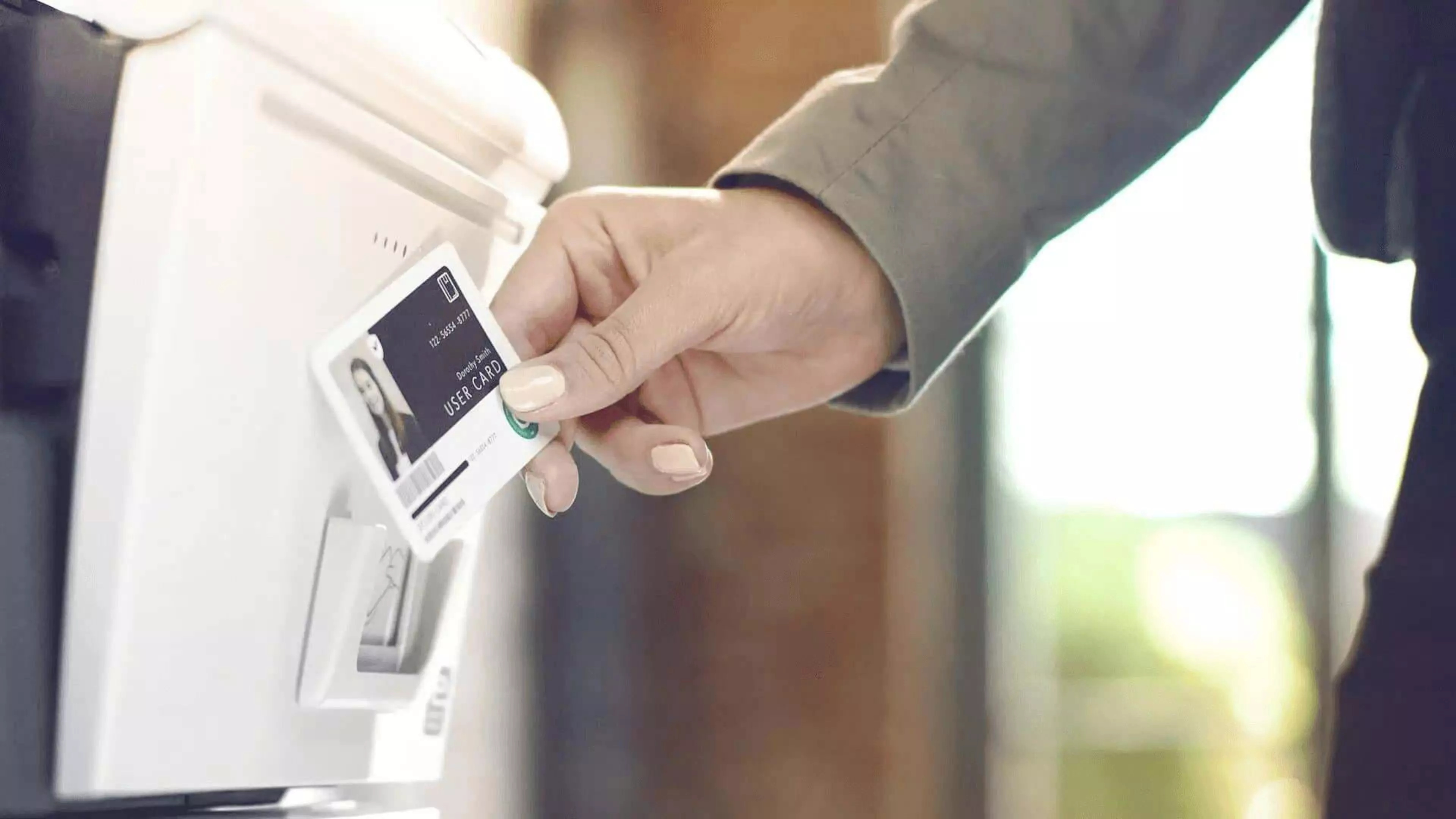
User access by password, user name + password, ID card or finger vein scanner

bizhub SECURE

Konica Minolta Security consultancy and MFP setup

Data encryption

Encryption of data stored on hard disk and password protection for hard disk access

Hard disc mirroring

real-time synchronisation with back-up HDD to prevent the risk of data loss

Network security

Support for SSL/TLS, HTTPS, 802.1x and IPsec.

Services

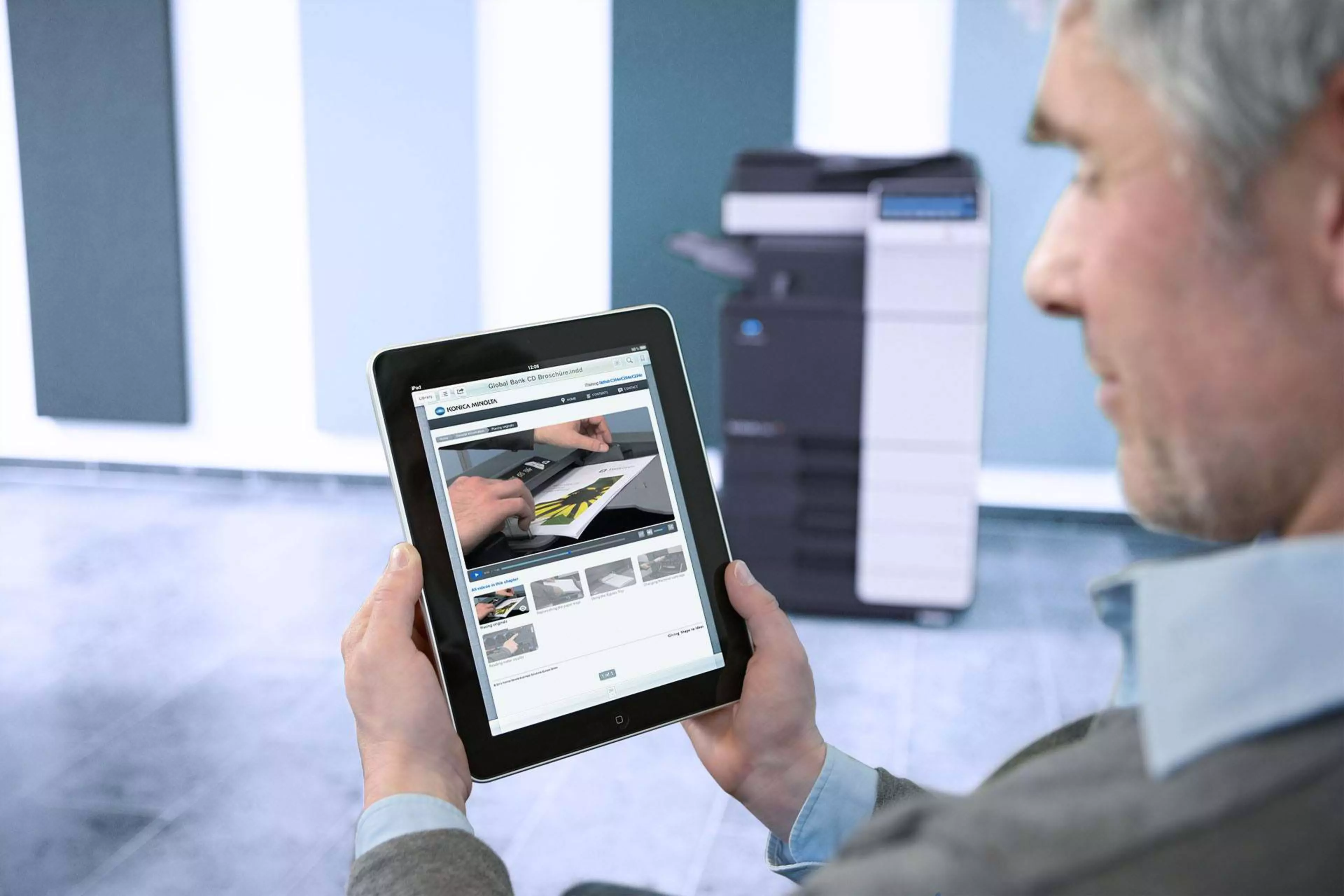
iTraining - get to know and use your bizhub device quickly and efficiently

iTraining - get to know and use your bizhub device quickly and efficiently

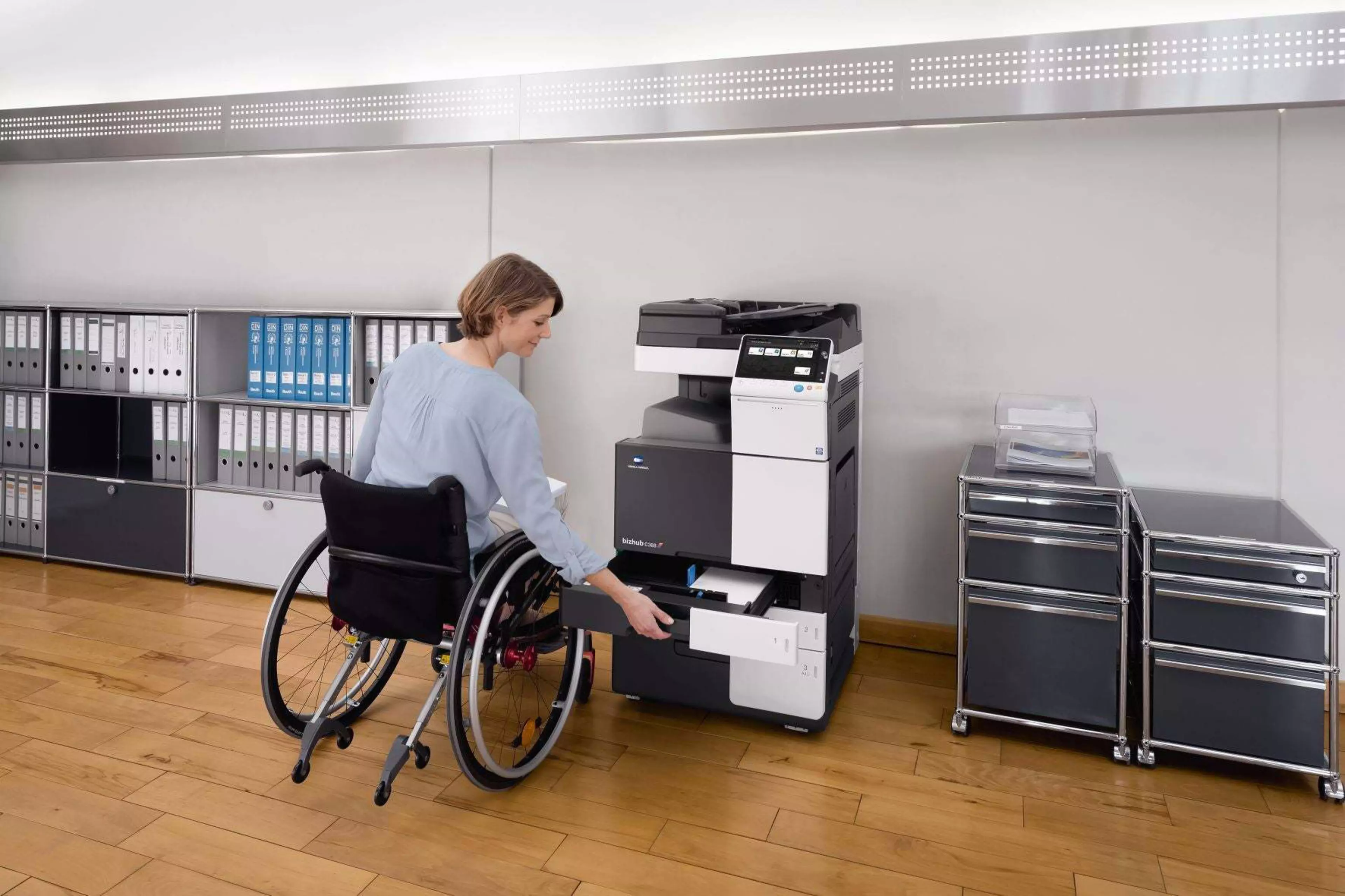
Universal Design & Accessibility

Universal Design & Accessibility

Features

bizhub C258

These are the Key Features of the bizhub c258
FeaturesImage

Interface customisation

Be more efficient in preparing small and more complex copy, print, scan and fax jobs, by adaption of the MFP panel and printer driver interface to your specific needs.

Mobility

Increase mobility and reduce costs with mobile device applications by smoothly connecting smartphones and tablets with the system. With Konica Minolta's free-of-charge mobile device App PageScope Mobile, you'll take advantage of printing documents stress-free from and scanning jobs to your mobile device without using a desktop PC.

Multi-touch panel

The 9-inch colour touch screen makes work more fun thanks to easy navigation and an operation similar to today's smartphones and tablets. The newly integrated mobile touch area lifts work flexibility to a new level enabling mobile device users to connect, print and scan just by touching the mobile area on their devices.

Sustainability

Reduce environmental impact and save costs at the same time thanks to Konica Minolta's integrated state-of-the art technology for competitively low power consumption.

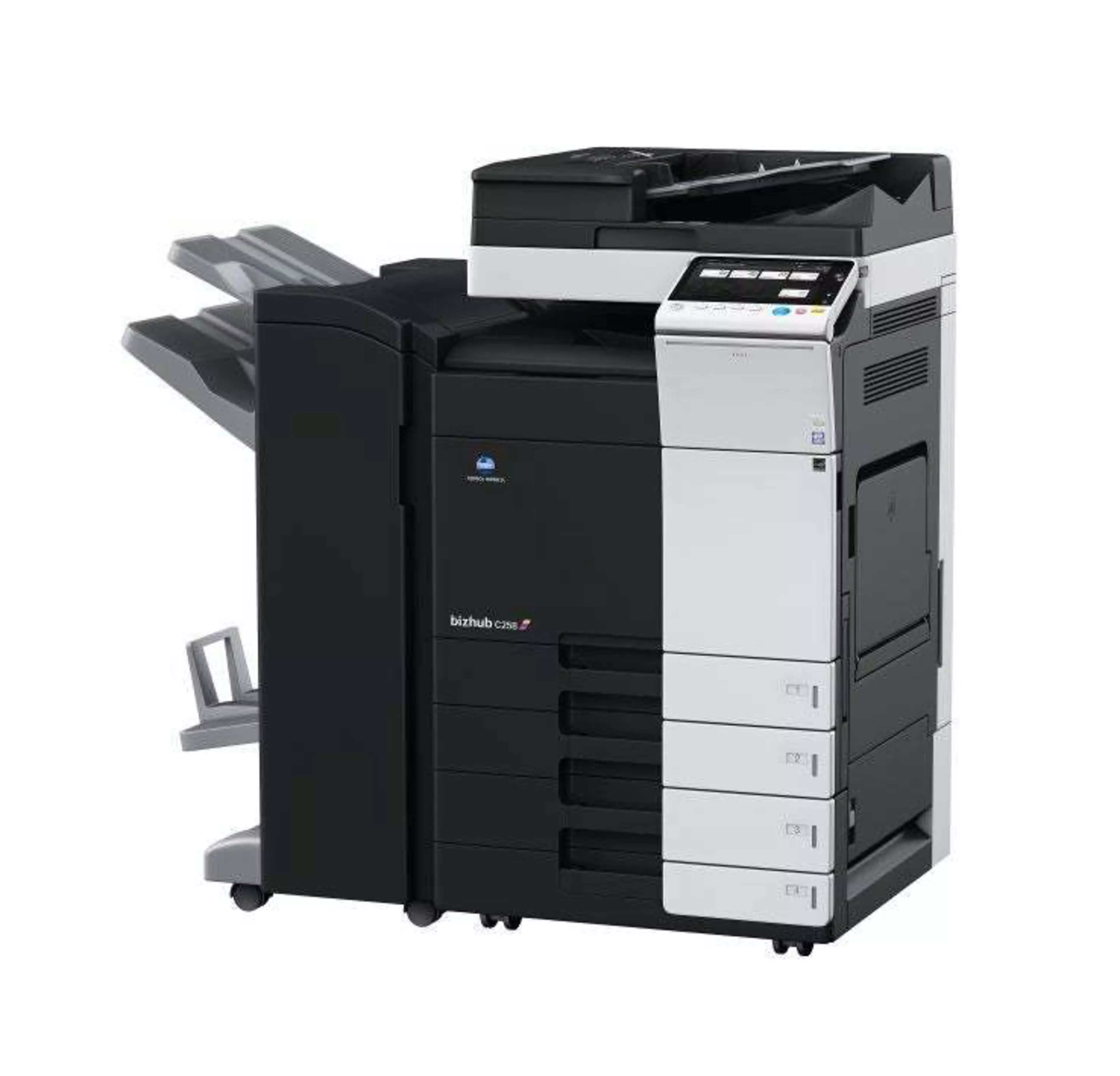
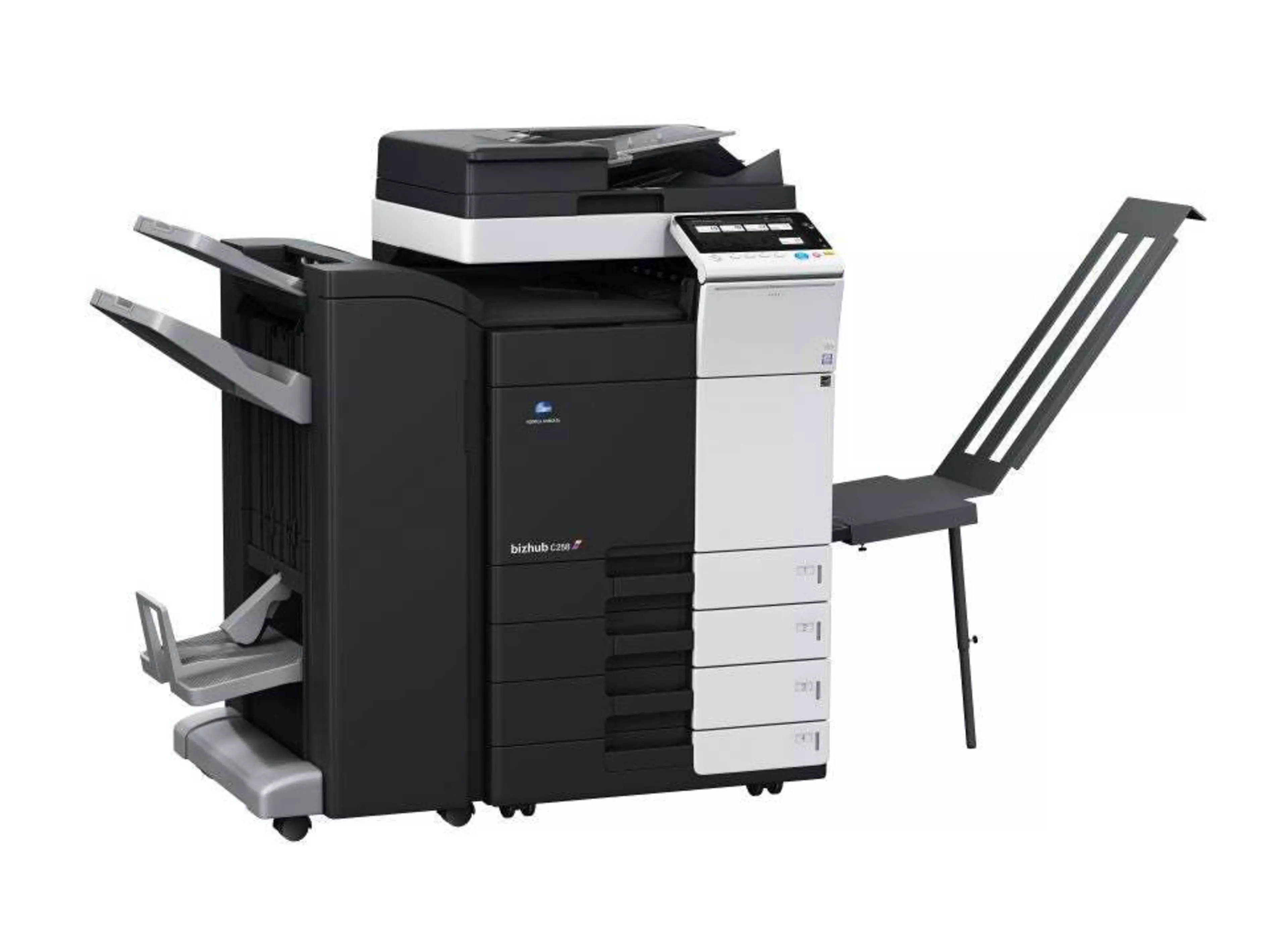
Versatile finishing

Versatile finishing options include stapling, punching, letterfolding of up to 3 sheets per letter and booklets of up to 20 sheets (80 pages) for improved office productivity and professional documents.

  • Copying process
    Electrostatic laser copy, tandem, indirect
    Toner system
    Simitri® HD polymerised toner
    Copy/print speed A4 mono (cpm)
    Up to 25 ppm
    Copy/print speed A4 colour (cpm)
    Up to 25 ppm
    Copy/print speed A3 mono (cpm)
    Up to 15 ppm
    Copy/print speed A3 colour (cpm)
    Up to 15 ppm
    Autoduplex speed A4 mono (cpm)
    Up to 25 ppm
    Autoduplex speed A4 colour (cpm)
    Up to 25 ppm
    1st Copy/print time mono (sec)
    6.1 sec.
    1st Copy/print time colour (sec)
    7.5 sec.
    Warm-up time (sec)
    Approx. 20 sec.
    Copy resolution (dpi)
    600 x 600 dpi
    Gradations
    256 gradations
    Multi-copy
    1-9,999
    Original format
    A5-A3
    Magnification
    25-400% in 0.1% steps; auto-zooming
    Copy functions
    Chapter; cover and page insertion; proof copy (print and screen); adjustment test print; digital art functions; job setting memory; poster mode; image repeat; overlay (optional); stamping; copy protection
    Print resolution (dpi)
    1,800 x 600 dpi; 1,200 x 1,200 dpi
    Page description language
    PCL 6 (XL 3.0); PCL 5c; PostScript 3 (CPSI 3016); XPS
    Operating systems
    Windows VISTA (32/64)
    Windows 7 (32/64)
    Windows 8 (32/64)
    Windows 10 (32/64)
    Windows Server 2008 (32/64)
    Windows Server 2008 R2
    Windows Server 2012
    Windows Server 2012 R2
    Macintosh OS X 10.x
    Unix
    Linux
    Citrix
    Printer fonts
    80 PCL Latin
    137 PostScript 3 Emulation Latin
    Print functions
    Direct print of PCL, PS, TIFF, XPS, PDF (v1.7), encrypted PDF files and OOXML (DOCX, XLSX, PPTX); mixmedia and mixplex; "Easy Set” job programming; overlay; watermark; copy protection; carbon copy print
    Mobile printing
    AirPrint (iOS), Mopria (Android), Google Cloud Print (optional), WiFi Direct (optional), Konica Minolta Print Service (Android), PageScope Mobile (iOS, Android); NFC Authentication and Pairing (Android)
    Scan speed colour (opm)
    Up to 160 ipm (with optional DF-704)
    Scan Speed mono (opm)
    Up to 160 ipm (with optional DF-704)
    Scan resolution (dpi)
    Max.: 600 x 600 dpi
    Scan modes
    Scan-to-eMail (Scan-to-Me)
    Scan-to-SMB (Scan-to-Home)
    Scan-to-FTP
    Scan-to-Box
    Scan-to-USB
    Scan-to-WebDAV
    Scan-to-DPWS
    Network TWAIN scan
    File formats
    JPEG; TIFF; PDF; PDF/A 1a and 1b (optional); compact PDF; encrypted PDF; searchable PDF (optional); XPS; compact XPS; PPTX; searchable DOCX/XLSX/PPTX (optional)
    Scan destinations
    2,100 (single + group); LDAP support
    Scan functions
    Annotation (text/time/date) for PDF; up to 400 job programs; real-time scan preview
    Fax standard
    Super G3 (optional)
    Fax transmission
    Analoguei-FaxColour i-Fax (RFC3949-C)IP-Fax
    Fax resolution (dpi)
    Max.: 600 x 600 dpi (ultra-fine)
    Fax compression
    MH; MR; MMR; JBIG
    Fax modem (Kbps)
    Up to 33.6 Kbps
    Fax destinations
    2,100 (single + group)
    Fax functions
    Polling; time shift; PC-Fax; receipt to confidential box; Receipt to e-mail/FTP/SMB; up to 400 job programs
    System memory standard (MB)
    2,048 MB (standard)
    System hard disc standard (GB)
    250 GB (standard)
    Interfaces standard
    10-Base-T/100-Base-T/1,000-Base-T Ethernet; USB 2.0; Wi-Fi 802.11 b/g/n (optional)
    Network protocols
    TCP/IP (IPv4 / IPv6); IPX/SPX; NetBEUI; AppleTalk (EtherTalk); SMB; LPD; IPP; SNMP; HTTP
    Frame types
    Ethernet 802.2; Ethernet 802.3; Ethernet II; Ethernet SNAP
    Automatic document feeder
    Up to 100 originals; A6-A3; 35-163 gsm
    RADF or Dualscan ADF available
    Paper size
    A6-SRA3, customised paper sizes;
    banner paper max. 1,200 x 297 mm
    Printable paper weight (g/m²)
    52-300 gsm
    Paper input capacity (sheets)
    Standard: 1,150 sheets
    Max.: 6,650 sheets
    Automatic duplexing
    A5-SRA3; 52-256 gsm
    Finishing modes (optional)
    Offset; group; sort; staple; punch; centre-fold; letter fold; booklet
    Output capacity (w. finisher)
    Max.: 3,300 sheets
    Output capacity (w/o finisher)
    Max.: 250 sheets
    Stapling
    Max.: 50 sheets or 48 sheets + 2 cover sheets (up to 209 gsm)
    Stapling output capacity
    Max. 1,000 sheets
    Letter fold
    Up to 3 sheets
    Letter fold capacity
    Max.: 30 sheets (tray); unlimited
    Booklet
    Max.: 20 sheets or 19 sheets + 1 cover sheet (up to 209 gsm)
    Booklet output capacity
    Max.: 100 sheets (tray); unlimited
    Copy/print volume recommended (monthly)
    13,000 pages
    Copy/print volume max. (monthly)
    80,000 pages
    Toner lifetime Black
    28,000 pages
    Toner lifetime CMY
    26,000 pages
    Imaging Unit lifetime Black
    90,000 pages
    Imaging Unit lifetime CMY
    55,000 pages
    Power consumption
    220-240 V / 50/60 Hz
    Less than 1.5 kW (system)
    System dimensions (WxDxH, mm)
    615 x 685 x 771 mm (excl. ADF and lower paper tray unit)
    System weight (kg)
    Approx. 85 kg
    Security
    ISO15408/IEEE 2600.2 compliant (in evaluation);IP filtering and port blocking;SSL2; SSL3 and TSL1.0 network communication;IPsec support; IEEE 802.1x support; user authentication; Authentication log; secure print;Hard disk overwrite (8 standard types);Hard disk data encryption (AES 256);Hard disk mirroring (optional); Memory data auto deletion; Confidential fax receipt; Print user data encryption;copy protection (Copy Guard, Password Copy) optional
    Accounting1
    Up to 1,000 user accounts; Active Directory support(user name + password + e-mail + smb folder)User function access definitionBiometric authentication (finger vein scanner) optionalID card authentication (ID card reader) optional
    Software
    PageScope Net Care Device ManagerPageScope Data AdministratorPageScope Box OperatorPageScope Direct PrintPrint Status NotifierDriver Packaging UtilityLog Management Utility

Interested to see all features and options and build your very own bizhub C258?

Click here to configure your device
Interested to see all features and options and build your very own bizhub C258?

Use the online manual for troubleshooting and to learn more about your device

bizhub C258 online manual
Use the online manual for troubleshooting and to learn more about your device

Get the product brochure now to have all information at hand.

bizhub C258 brochure
Get the product brochure now to have all information at hand.

Print from anywhere, anytime:

Apple Airprint logoGoogle Cloud Print Iconmopria logoWIFI Access Point IconMobile Printing Web Icon

Related Hardware

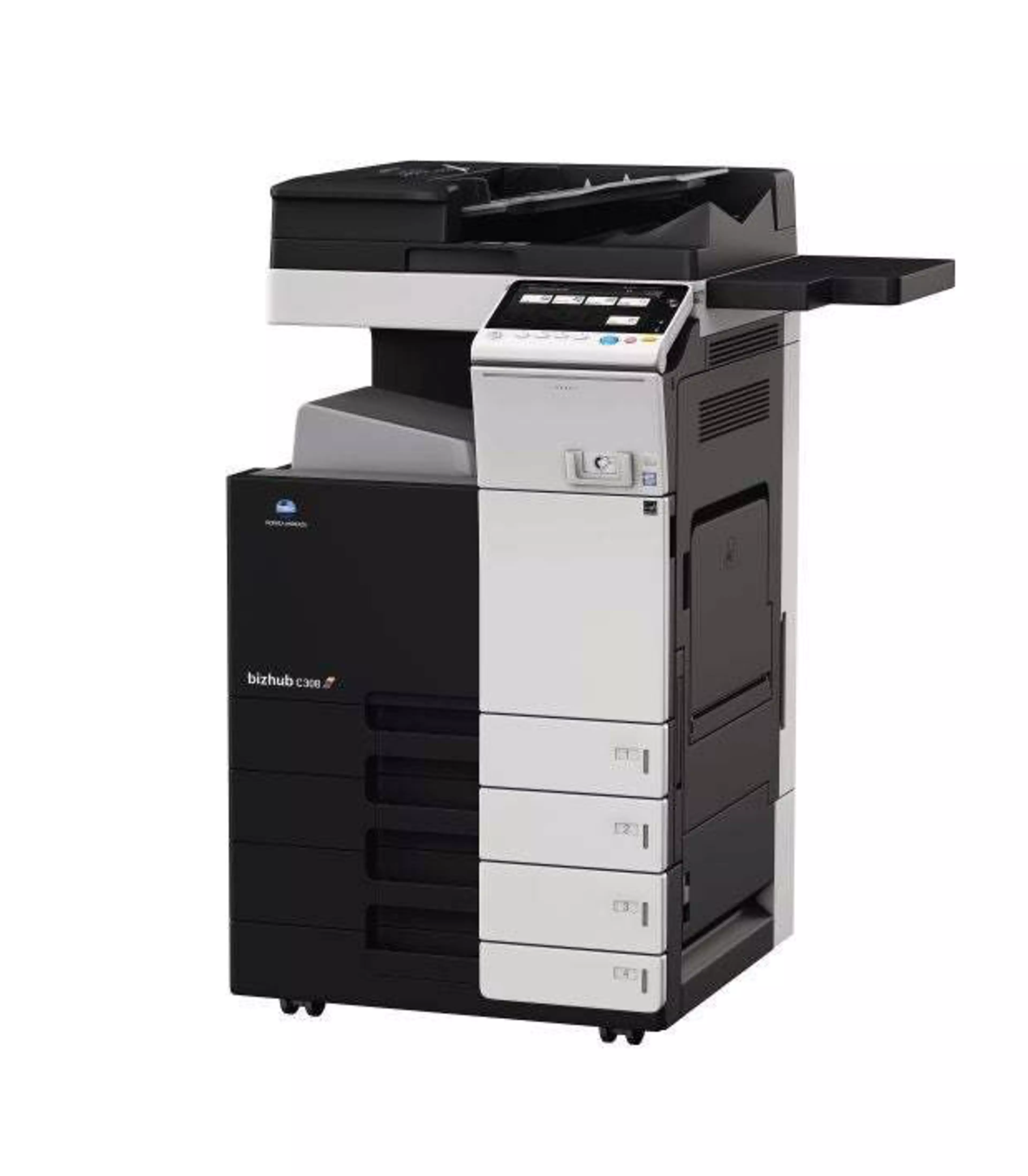
bizhub C308

bizhub C308

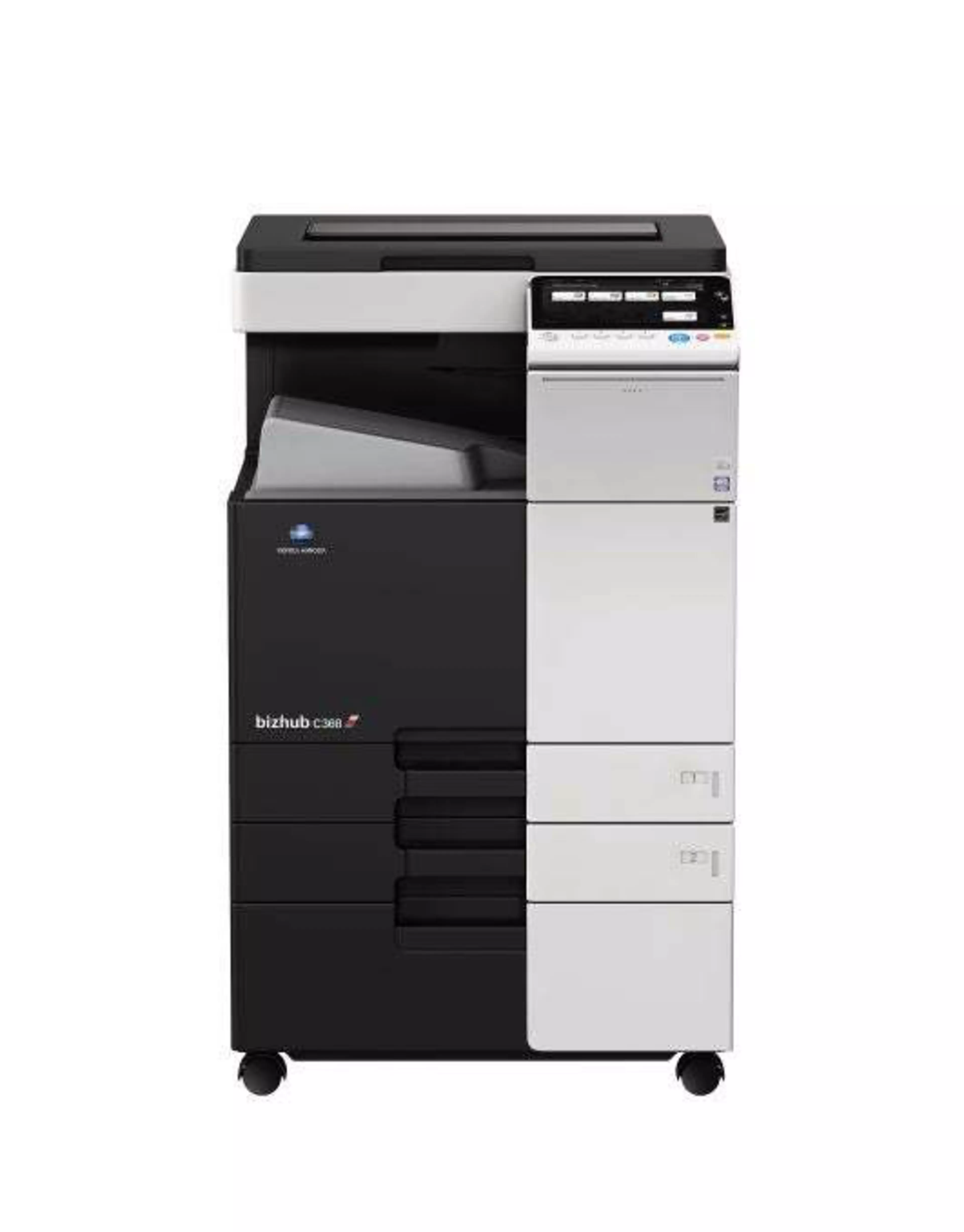
bizhub C368

bizhub C368